How I built a AI Agent server
Sharing my journey of building an AI Agent server
Hi everyone! In this post, I want to share my journey of building an AI agent server and deploying it as an API. Many of you are probably already familiar with AI agents and how popular they've become.
Introducing Hack Agno
Meet Hack Agno, my AI agent deployed as an API service.
Like many developers, I was inspired by the growing number of AI integrations and applications being released. My interest was piqued even further by a YouTube video I came across while searching for resources to learn about agents. It featured someone who built and deployed an agent as an API—and that gave me the push to start my own project.
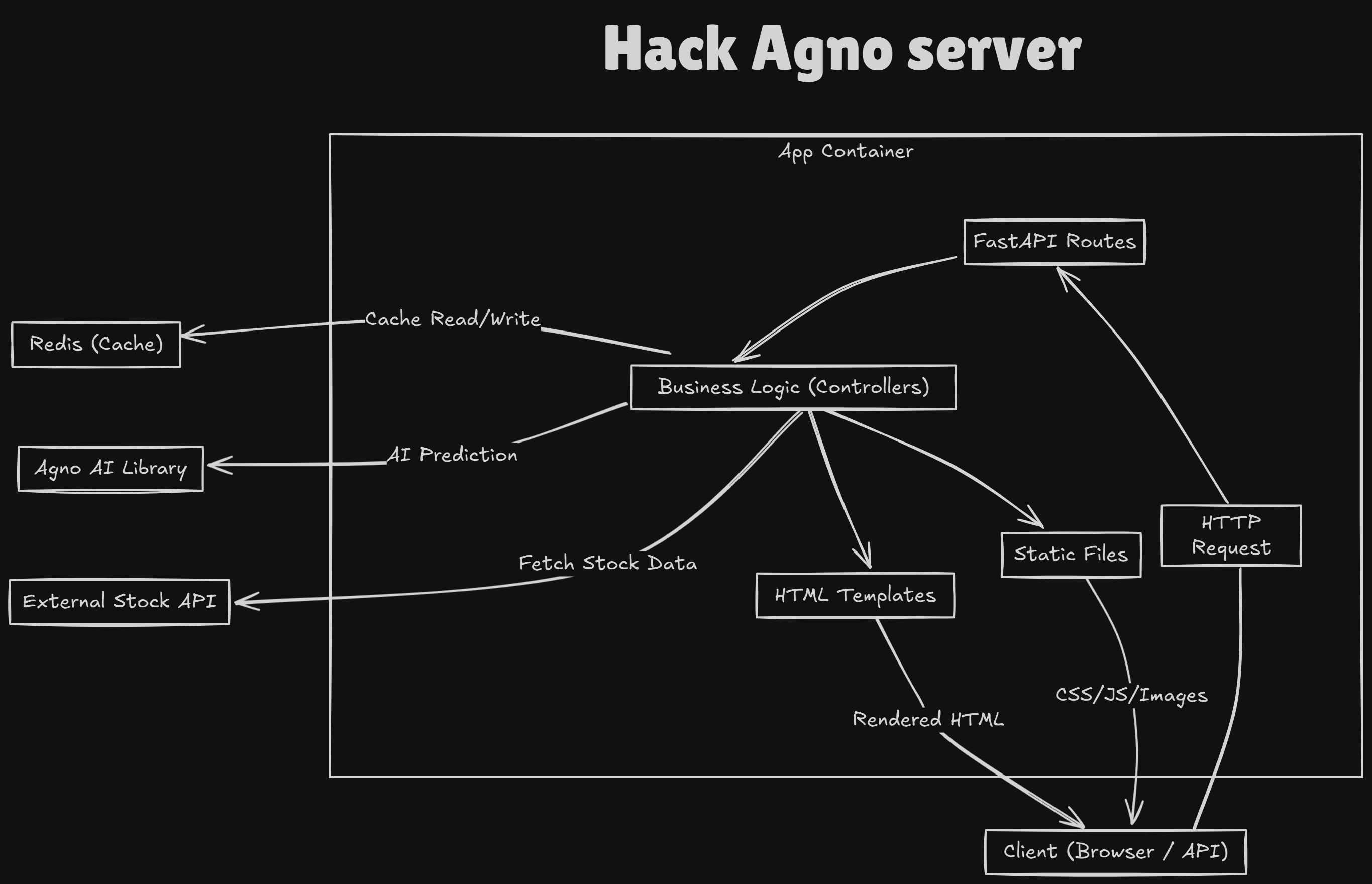
Not long after, I had the perfect opportunity to put my ideas into action. This was my first substantial AI agent project, so I wanted to use a tech stack I was comfortable and experienced with: Python and FastAPI.
The project was part of a hackathon focused on building AI agents with any framework. With Python as my language of choice, I decided to use a lightweight AI framework called Agno, which provides tools for building agents with memory, knowledge, tools, and reasoning capabilities.
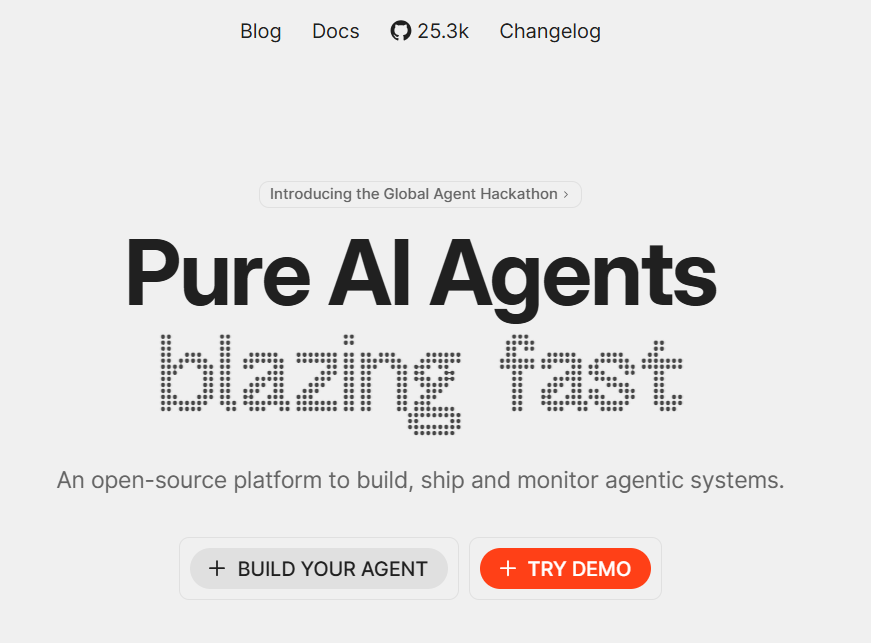
Agno enables users to:
- Build reasoning agents
- Create multimodal agents
- Form teams of agents and agentic workflows
It also offers a beautiful UI for chatting with your agents, as well as tools to monitor and evaluate their performance.
Building the API Server
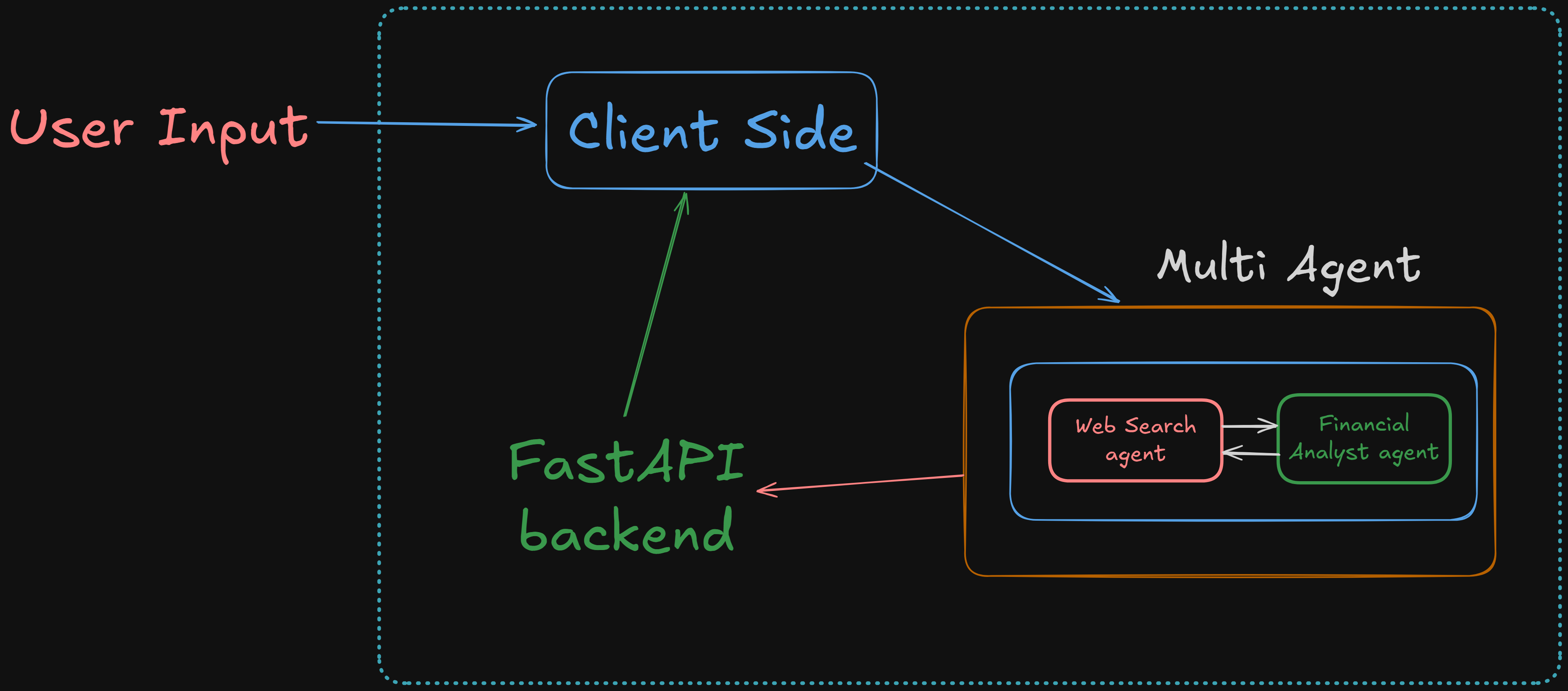
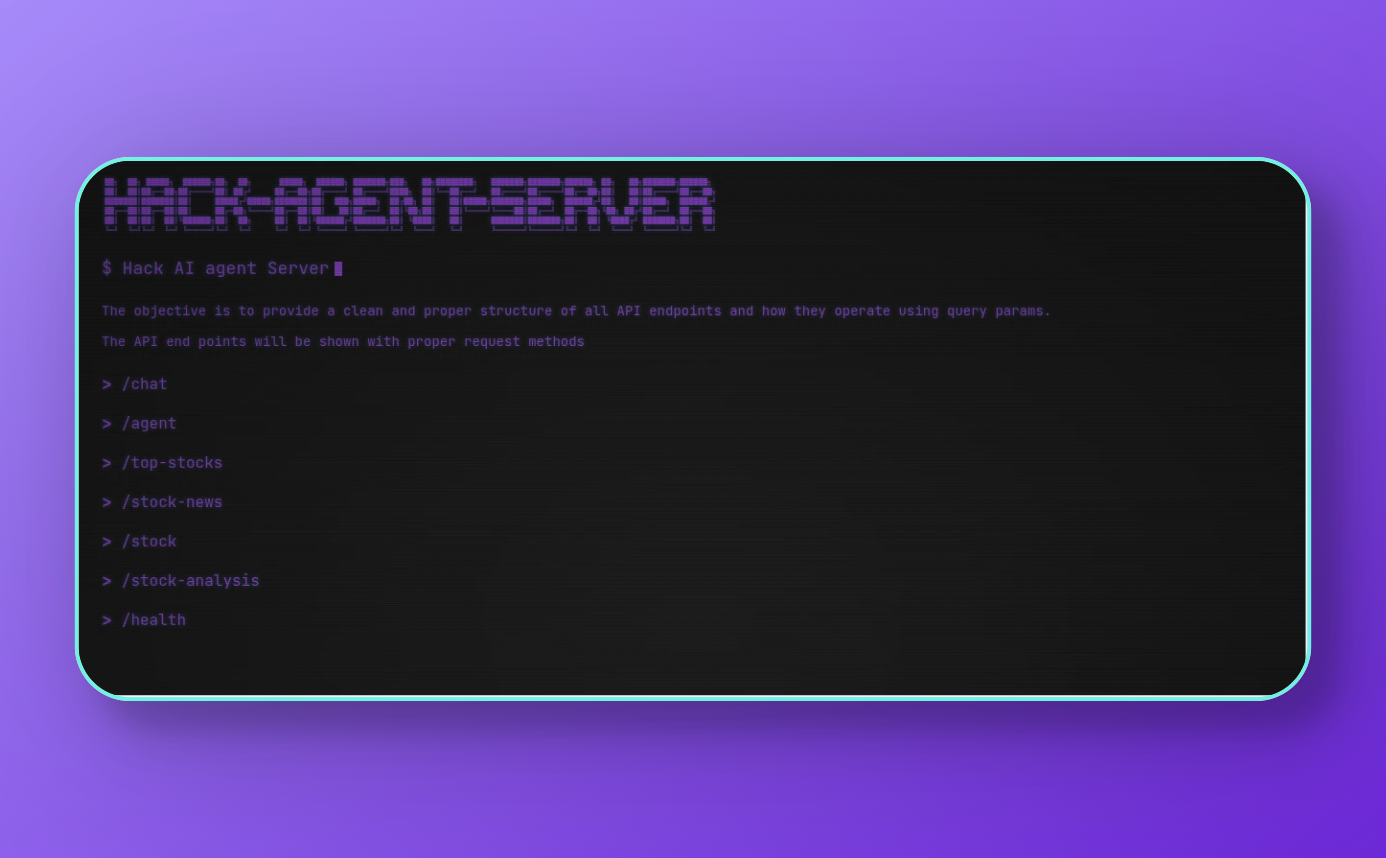
In my project, I set up several API routes, most of which are powered by AI agents. Specifically, there are two main agents, both of which communicate with the FastAPI backend. The responses are generated by the agents and displayed on the client side.
A couple of extra highlights from this project:
- I used some of my free time to design a retro terminal-style UI, which I’m really happy with.
- You can check out the original server deployment here.
- And if you want to see it in action, here's a preview:
What I Learned
Building this project taught me a lot. Most importantly, it showed me the versatility of AI agents—and how they can be integrated into many different setups to automate tasks, improve experiences, and make apps much more interactive and engaging.
Support & Connect
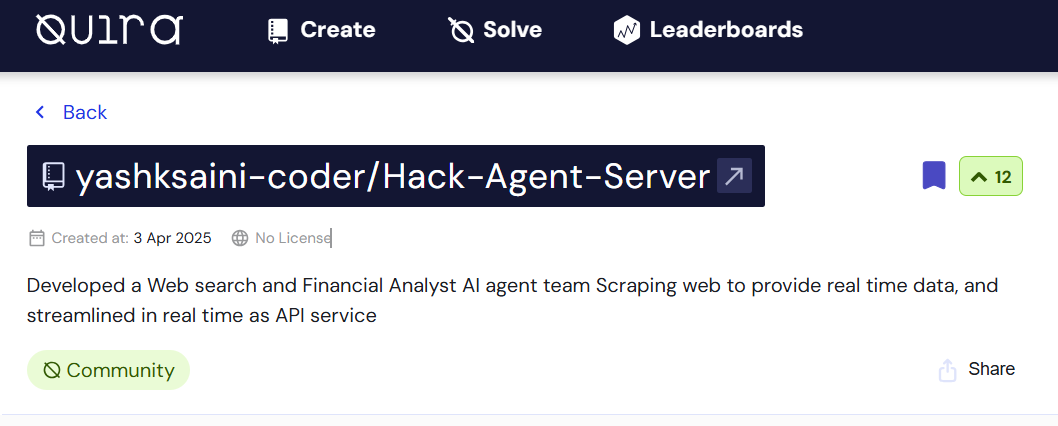
If you like this project, you can vote for it! Log in to Quira and vote for the Hack Agent Server.
Follow me for more content: